Free Deck Planner

Design your deck.
See it in 3D.

Easily design your dream deck. Draw the shape, choose materials, and watch everything come to life in 3D — right in your browser.

  • No account needed
  • No download
  • Data saved locally
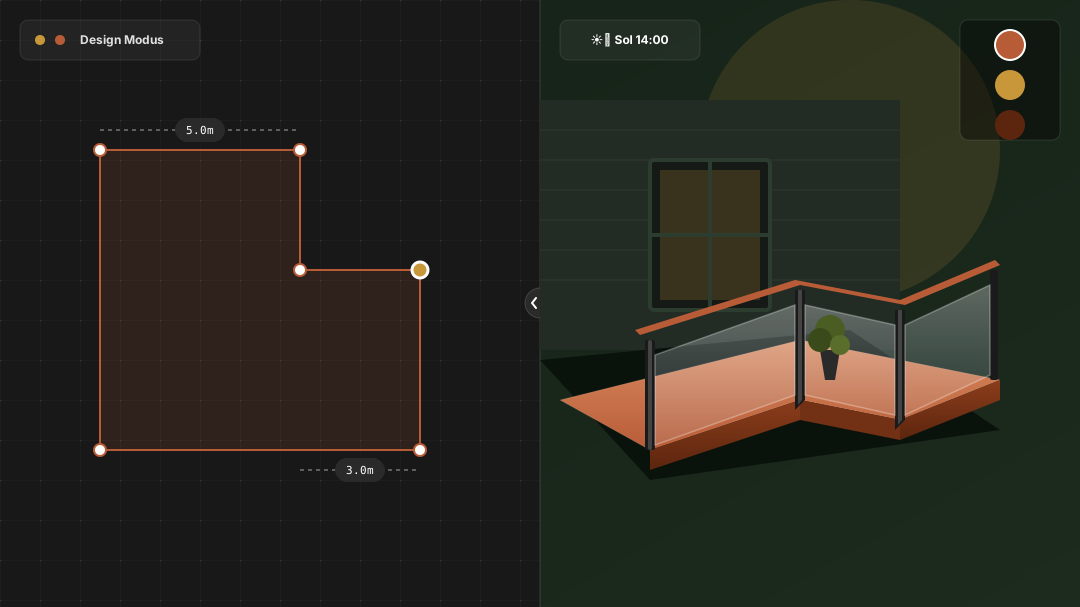
Terrassen 3D app: 2D drawing on the left, realistic 3D deck view on the right

“I needed to see what the deck would actually look like – before buying a single board.”

— That’s exactly why we built Terrassen 3D

Tailored for decks

We’ve stripped away unnecessary complexity so you get the exact tools you need.

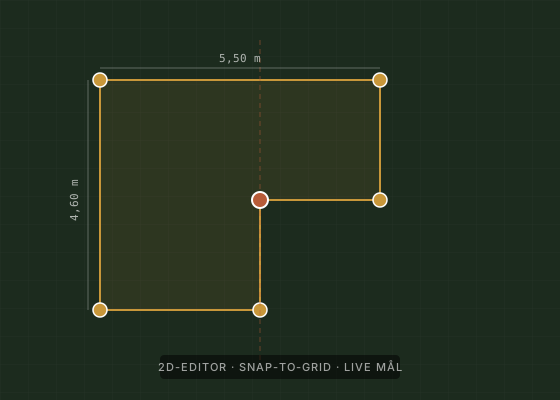
2D editor with grid and dimension labels
Drawing

Draw your deck layout

Use ready-made templates to get started quickly, or draw freely from scratch. Drag and drop until the shape is just right — dimensions update automatically as you work.

  • Snap-to-grid for straight lines
  • Real-time dimension updates
  • Ready-to-use templates
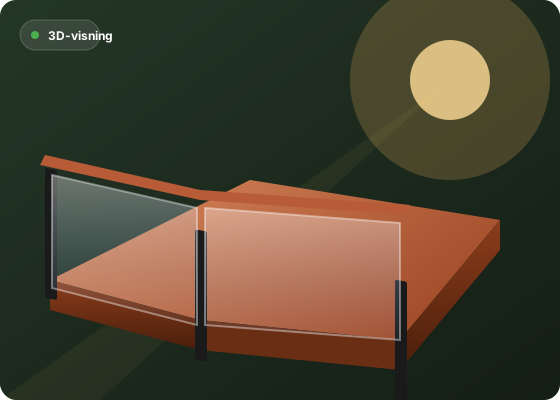
3D view of deck with railing and shadows
3D View

See the result instantly

What you draw in 2D is built right before your eyes in 3D. Experiment freely, move walls or corners, and watch your deck adapt in real time.

  • Real-time 3D updates
  • Realistic lighting and shadows
  • 2D and 3D side by side
Comparison of deck in different materials
Materials

Find your style

Play around with different wood species, colors, and textures. Find out exactly what suits your home best before heading to the lumber yard.

  • Pressure-treated pine
  • Hardwood & composite
  • Various tones and colors
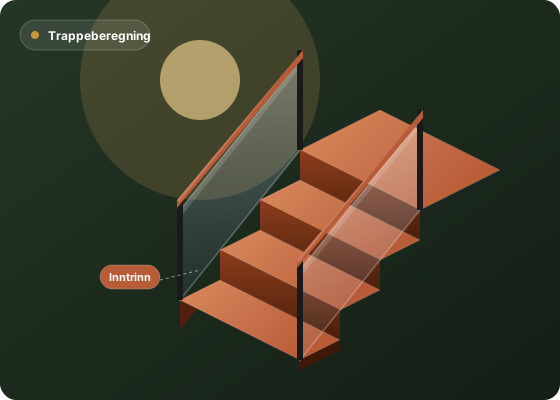
Stairs with railing calculated for safe slope
Stairs & Railings

Stairs and railings in seconds

Need stairs? We calculate them automatically for safety and comfortable walking. Choose your favorite railing style and snap it into place wherever you want.

  • Automatic stair calculations
  • Multiple styles: Balusters, modern horizontal, and glass
  • Choose between traditional stairs and spiral stairs
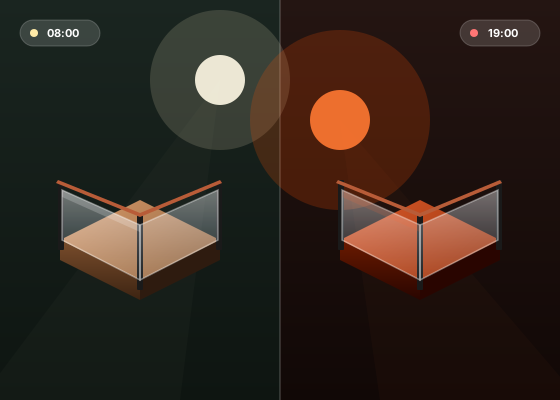
Deck with morning sun and evening sun side by side
Sun & Shadow

Plan for the sun

Check where the sun hits throughout the day. Adjust the sun angle and see exactly how shadows fall, so you know the best spot for your outdoor seating area.

Document containing exported 2D and 3D images ready for the contractor
Export

Share drawings with your contractor

Need a quote? Exporting images of both your 2D layout and 3D model is effortless. Perfect for sharing with carpenters, contractors, or building suppliers.

  • Easy 2D and 3D image export
  • Projects saved locally on your device
  • No account required

Ready to build your dream deck?

Start right away in your browser. No registration or download required.

Open Terrassen 3D

Frequently Asked Questions

Is it really completely free?

Yes. When I built my own deck, I couldn't find a tool that met my needs, so I built one myself. It helped me create my dream deck, and now I want others to have access to the same tool. Hopefully this will help more people bring their dream decks to life. There are no hidden fees or trial periods.

Do I need to create an account or provide an email?

No, the app opens directly in your browser. No registration, email, or password required.

Where is my project saved?

As a .json file locally on your computer, not in the cloud. We never see your designs.

Does it work on mobile?

It works best on desktop or laptop. Tablets work fine too, but we recommend a screen size of at least 13" for the best experience.

Are the stairs calculated safely?

Terrassen 3D automatically calculates stairs according to standard building guidelines to ensure comfortable step depth, rise, and safety.

Draw. See. Build.

See what your deck will actually look like — before buying a single board.

Open Terrassen 3D — free →

No account · No download · Opens in your browser